Home screen
The home screen shows a summary of activity across all areas of the video call management console to which you have access. You can open it by selecting  (Home button) in the main menu. If your user account has access to waiting areas and meeting rooms, the home screen is the first thing you see after you sign in.
Select a tile to jump to one of the Primary screens.
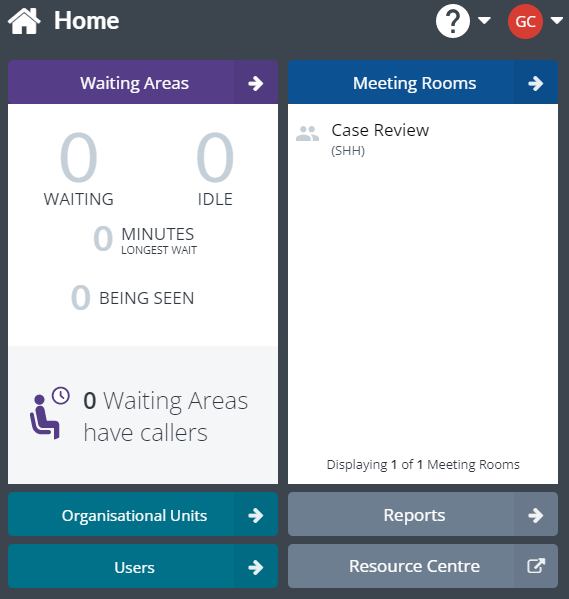
The roles assigned to your user account determine which tiles appear on the home screen. To view your current roles, see My roles.
See also: